

How to Host a Read-A-Thon
Hosting a Read-A-Thon fundraiser, also known as a reading fundraiser or reading marathon, can be a fun and engaging way to foster a love for literature while supporting your school, library, or community organization. Whether you're aiming to raise funds for new books, literacy programs, or charitable causes, a reading-themed event can captivate participants of all ages and backgrounds.
In this comprehensive guide, we'll provide step by step instructions to set up a readathon using the ForOurSchool.org platform.
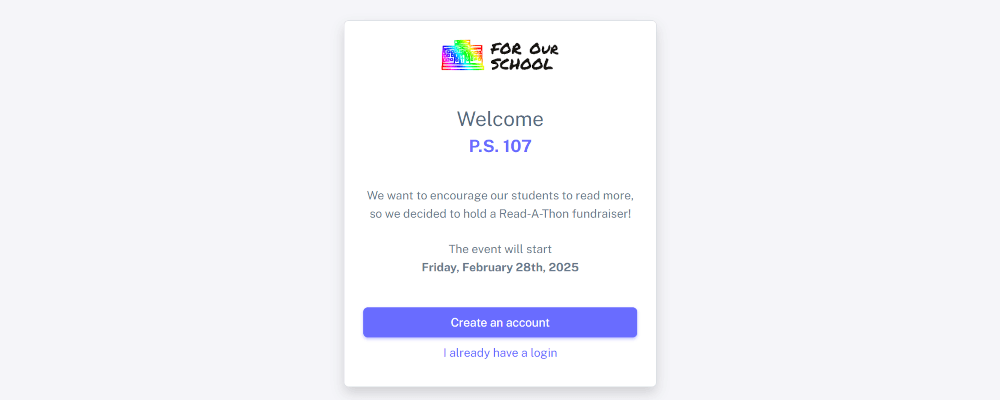
1Register for a free account
There is no cost to create an account for you or for parents or students.

2Create a fundraiser
Once logged in, click on your avatar and select the "Start New Fundraiser" option.

3Enter school information
If your school or organization is a 501(c)(3), enter the business name and EIN, so donors will receive donation receipts and corporate matching instructions. We recommend 2-3 weeks for the duration of your event.

4Set participant goals
You can set a fundraising goal for the school and for each participant, as well a goal for the target number of minutes read. You can later override these on the class level and parents can set their own goals if they choose.

5Enable leaderboards
You have the option to enable leaderboards, either by class or by individual, which we recommend to help promote healthy competition. Students only see their own name on the individual leaderboards and parents can still opt out of them if they prefer.

6Select payment method
Choose how you want to receiving the proceeds from the donations. Your options are PayPal or direct to your bank account. View our pricing page to learn more about the differences

7Add classes
You only need to add the classes that will be participating in your fundraiser and individual student names as they will add themselves. For each class, you set the grade level, teacher's name, and donation and reading goals for each student in the class.

8Invite parents
We provide an email template that includes a special registration link for your event. We also provide QR codes and flyers that make it easy to promote your event

9Parents register for event
Parents can complete the sign-up process in 2 minutes so their students can easily participate in the event
10Student record time previously read
Students can then record the time they spent reading in their account. We provide reading logs so students can keep track of reading time in class or away from home.

11Or use stopwatch to track time
If they prefer, students can use online stopwatches to more easily track the time they read.

12View charts showing reading progress
Students see charts showing their reading time as well as motivational messages to encourage them to continue to record time throughout the event.


